Start
The four steps
Text extraction, translation, page cleaning and typesetting: what each one gives you, and how to stop at any of them.
A comic chapter goes through up to four steps, always in this order. Each step includes the ones before it. You choose where a project stops, and you pay for the steps that run.
The steps
| Step | In the app | What you get | Credits a page | Each further language |
|---|---|---|---|---|
| 1. Text extraction | Text | The script as it was read from the pages, as a text file. Nothing is translated and the art is not touched. | 4 | 0 |
| 2. Translation | Translate | The translated script for each language, as TXT or DOCX. | 6 | 2 |
| 3. Page cleaning | Clean | The pages with the original lettering painted out of the art, as a ZIP. | 9 | 2 |
| 4. Typesetting | Letter | The finished pages for each language, with the translation lettered back in: CBZ or ZIP, and a layered PSD on the Studio and Scale plans. | 10 | 3 |
The prices are for one page in one language on the Standard model, with the earlier steps included. A 20-page chapter taken to Letter in two languages costs 260 credits.
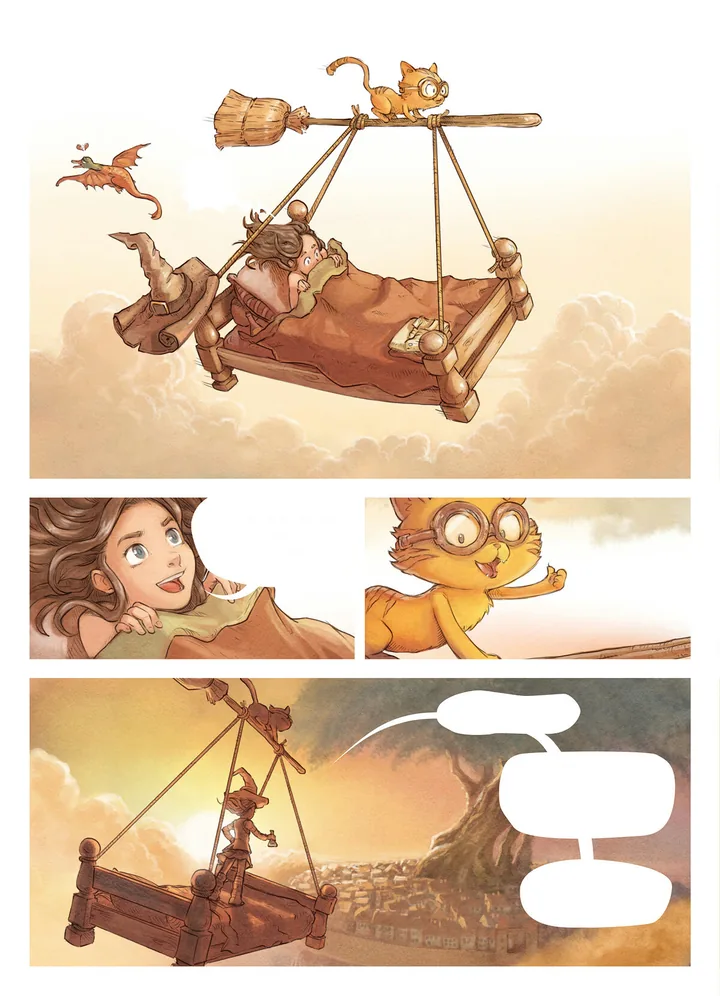
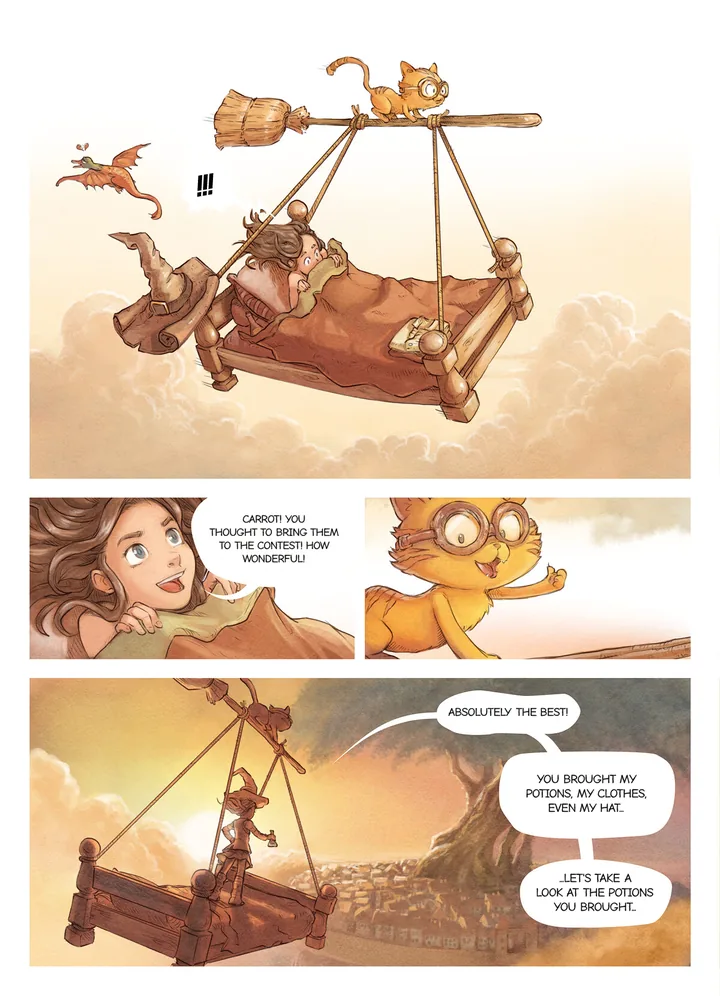
Pepper & Carrot by David Revoy, CC BY 4.0. Cleaned and lettered with tinypica.
A later step keeps the earlier files
A project that stops at Clean gives you the clean pages and both scripts. A project that goes to Letter gives you every file in the table. On the chapter table each step the project runs has its own column, and a cyan chip in a column downloads that step’s file. Downloads are free. Exports lists the files.
Stop at Clean when you have your own letterer, or at Translate when you only want the script. A project that stops at Text translates nothing: you can type the translation yourself in the editor and download it as TXT or DOCX.
Where you choose
- When you create a project, on the Process screen, headed “How far should a chapter go?”. Click the step to stop at.
- In Quick translate, on the How far row, for each upload.
- In the workspace’s Settings, under Project defaults, an owner sets the step new projects start on.
The step is fixed once the project is created. The project’s Settings tab shows it under Process and direction, but it cannot be changed there. To stop at a different step, make a new project.
What changes the price
- Languages. The text is read once and the art is cleaned once, so a further language adds only the last column of the table. A language added to a project later costs the same, for every page already uploaded.
- The model. The price listed beside a model is for a page through every step. What it adds over Standard is charged from Translate on, in each language. Text costs the same on every model.
- Empty pages. A page on which no text is found is not charged. The upload panel quotes the most a chapter can cost, as “up to” a number of credits.
Plans and top-ups are in Credits and plans.
Chinese and novels
Chinese can be translated but cannot be lettered yet, so a Chinese run stops at the clean page.
A novel has no art, so it has one step: translation.
The same steps by hand
Two guides teach the craft behind steps 3 and 4: how to clean text off a manga page and how to typeset a manga page.